
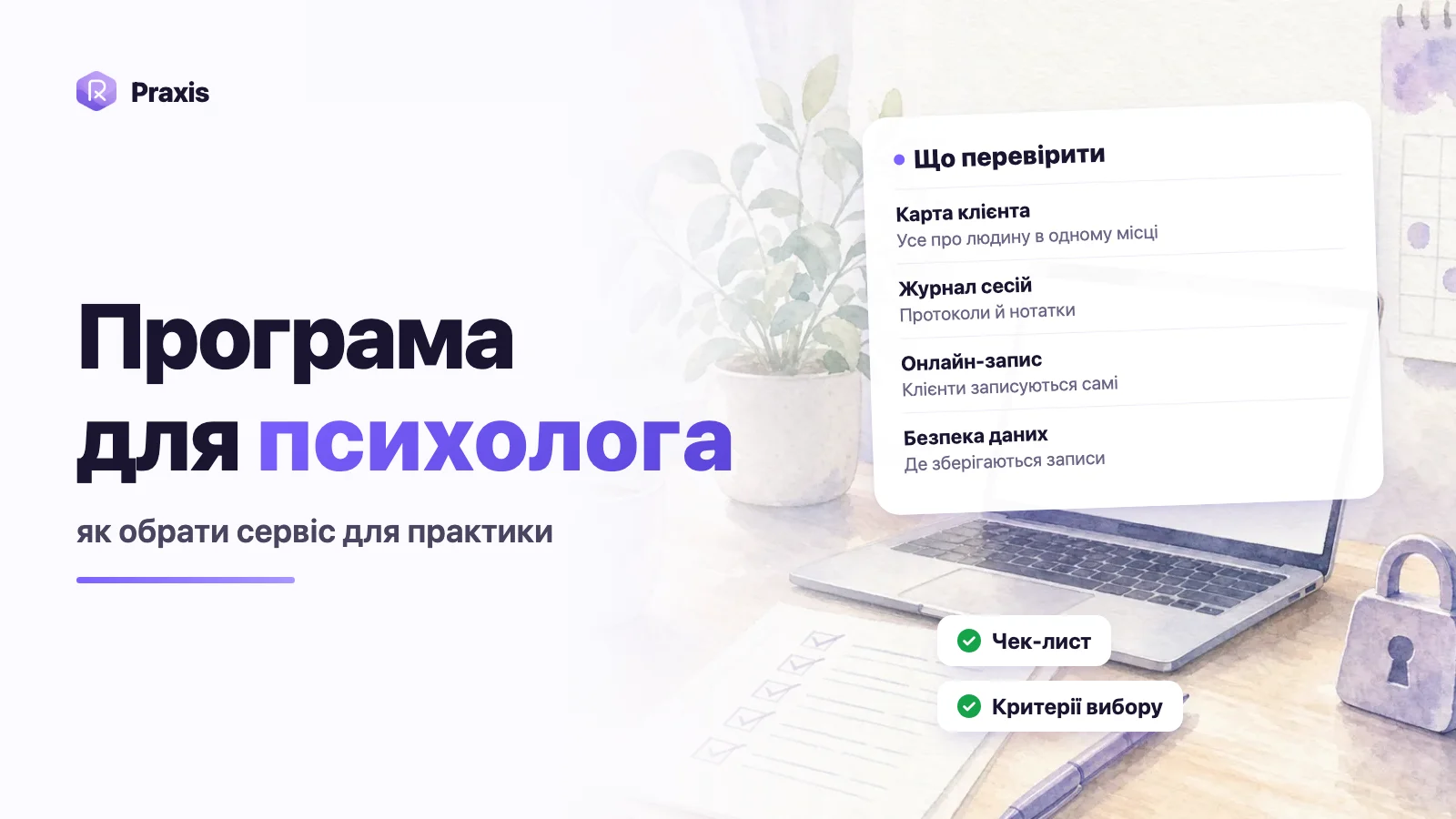
Choose software for your practice based on what you actually do every week, not on the length of a feature list: the client record, a session journal with progress notes, online booking, a client portal, data security and where that data lives, interface languages and the pricing model. Before you pay, move two or three real clients into the tool and run a normal working week with it. Below are the criteria, with specific questions to ask, red flags to watch for, and a final checklist.
Where to start: describe your working week
Comparing tools "in general" is pointless — they all promise "everything in one place." It's more useful to first note where your time currently leaks and what the software should take off your plate.
-
List where your data lives
A notepad with session notes, a spreadsheet of payments, chats in Telegram, Google Calendar, a folder of PDF assessments. Every one of these is a candidate to move over.
-
Mark what eats the most time
Agreeing on session times, rewriting notes, scoring assessments, hunting for "where we left off."
-
Decide what's essential and what's nice to have
What you won't switch without (session notes, for example) and what would simply be a bonus (statistics, for example).
-
Think about your clients
Whether they message you to book, whether they do work between sessions, and which countries and languages they come from and speak.
What to check: the criteria
1. The client record
The record is what you open before every session. It should give you the full picture in a minute, not make you scroll back through old notes.
- Are there structured sections: general information, the presenting issue and goals, clinical information, risks, documents, a short summary?
- Can you track progress against goals, rather than just writing them down once?
- Are there client statuses and search by name?
- If you work with couples — is there a dedicated record for the couple, rather than two separate clients?
2. Session journal and progress notes
- Are there ready-made note formats (SOAP, DAP and others), or will you have to build them from scratch?
- Are there session structure templates for your approach — CBT, schema therapy, Gestalt, and so on?
- Can you see on the session page where you left off last time?
- Does the text save automatically, so nothing is lost if a tab closes?
- Can you dictate notes by voice or transcribe an audio recording, if you record sessions with the client's consent?
3. Booking and calendar
- Can a client book themselves through a link, seeing only your free slots?
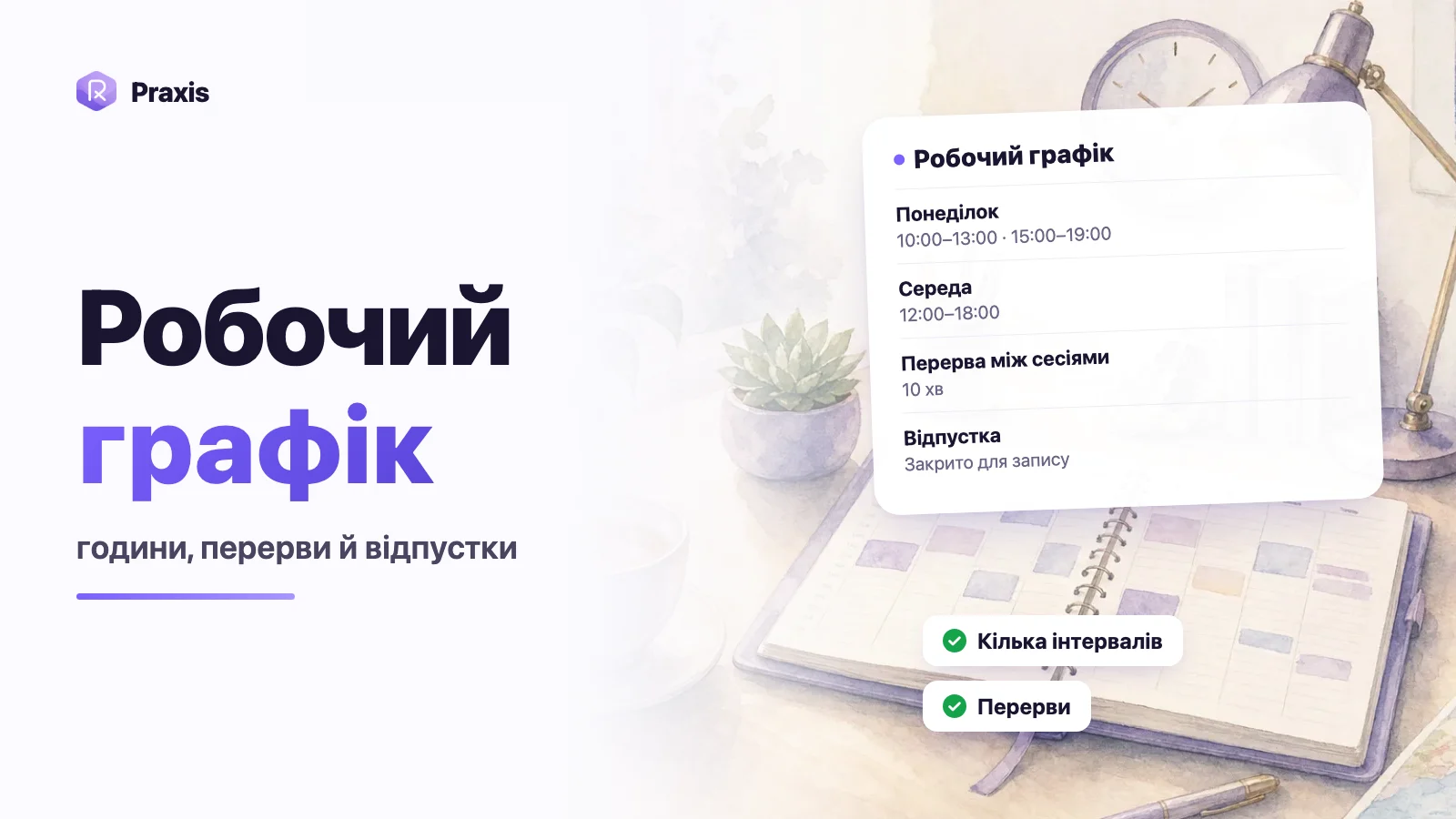
- Does it account for your working hours, breaks between sessions, and time off?
- Can you set up session types with their own duration and price?
- Are there rescheduling and cancellation rules for clients, and notifications to you when something changes?
- How do online sessions work: is a video link created, and can you specify Zoom, Telegram, or in-person?
4. The client portal
If you give clients work between sessions, a client portal saves the most time: no need to send PDFs, send reminders, or score results by hand.
- Can clients reschedule and cancel sessions themselves, within your rules?
- Can you send a client an assessment or homework and get the result already scored?
- Can you see the status — sent, completed, viewed?
- Does the client have to pay for their portal?
- Is it certain the client can't see your notes and progress records?
5. Data security and where it's stored
Client records are the most sensitive part of your work. Here it's better to ask the awkward questions before you pay than after.
- Which country are the servers in?
- Does the site work only over HTTPS, and is login protected against password guessing?
- How are files and audio stored — in secure storage with access checks, or behind open links?
- Who on the service's team can see your records, and under what conditions?
- Are records used to train artificial intelligence?
- How does the service make money — from subscriptions, or from ads and data?
- What happens to your data if you cancel your subscription, and how do you delete your account completely?
Remember that responsibility for confidentiality toward your client stays with you, whatever software you choose. So it's worth knowing what to tell a client if they ask where their records are stored and who can see them. If the service can't give you a clear answer, you won't have one either.
6. Languages and time zones
- Which languages is the interface available in, and can you change the language?
- Do clients see the booking page and their tasks in their own language?
- Is the time zone handled correctly if you and your clients are in different countries?
7. Pricing model
- Is there a trial, and does it require a card?
- Is it a single subscription with all features, or a base plan with add-ons for extra modules?
- Does the price depend on the number of clients?
- Is your data accessible once the subscription ends, and what happens to clients' booked sessions?
- How do you cancel the subscription, and are there any hidden automatic charges?
How to test a service during the trial period
-
Move two or three real clients over
Fill in their records and goals — that way you'll see whether the structure actually fits your work.
-
Run a few sessions taking notes in the tool
Try a progress note, a template, voice dictation. The point is that during the session you're with your client, not with the interface.
-
Set up booking and book a slot yourself
Open your own link on your phone as if you were a client: is everything clear without explanation?
-
Send a task to a test client
See how it looks in the client portal and how the result comes back.
-
Assess it after a week
Are there fewer chats and notepads? Did you feel the urge to go back to the old way?
One piece of software or several simple tools?
Many psychologists work for years with a combination of Google Calendar, Word, a spreadsheet and a messenger — and it works fine while there aren't many clients. The problems start as the practice grows: booking gets negotiated across three chats, session notes have to be hunted for among files, and assessment results have to be scored by hand against a key. Each tool is convenient on its own, but time and context get lost in the gaps between them.
Dedicated software is worth it when it closes exactly those gaps: a booking lands straight in the calendar and the client's record, session notes sit right next to the goals, and assessment answers arrive already scored. If a service merely duplicates what you already have, switching won't give you any real time savings.
- Booking — chat in a messenger, then entered into the calendar by hand.
- Notes — in a notepad or scattered Word files.
- Assessments — a PDF, a form filled in by the client, scoring against a key.
- Income — a spreadsheet you fill in at the end of the month.
- The client books themselves through a link to your free slots.
- Notes and the progress note sit on the session page next to the record.
- The assessment is sent to the client and scores itself.
- Statistics are calculated from booked sessions.
Red flags
- No clear answer about where data is stored and who has access to it.
- A free service with no clear way of making money.
- Notes or files accessible through an open link with no login.
- To get the features you need, you have to buy several add-ons.
- The client has to pay for their portal or register somewhere unclear.
- There's no way to delete your account and data.
- There's no way to try the service with your own clients before paying.
One red flag is a reason to ask support a question. Several at once are a reason to keep looking.
Final checklist
- A client record with structure, goals and risks
- A session journal with progress notes and templates for your approach
- Online booking by link, with a schedule and cancellation rules
- A client portal for tasks and booking
- A clear answer about servers, team access and AI training
- The languages and time zones you need
- A transparent pricing model and a trial period
How this works in Praxis
Praxis was built together with a practicing psychotherapist, and measured against these same criteria it looks like this:
- Clients and the record. Statuses, filters and search; a record for an individual client with goals, a personality profile, clinical information, risks, documents and a clinical summary; a separate “Relationship map” for couples.
- The "Therapy Work Journal." 17 approach templates and 5 note formats — SOAP, DAP, BIRP, GIRP, PIE; voice dictation, audio transcription with timestamps, "Focus from the previous session," and autosave.
- Booking. A working schedule, time off, session types with prices; a general and a personal booking link; a Google Meet link is created automatically, and you can choose Zoom, Telegram, Viber or in-person.
- A free client portal. Booking, rescheduling and cancellation under your rules, 22 assessment tools with automatic scoring, 33 homework assignments, 26 self-support techniques, and a self-monitoring diary.
- Data. Servers in Finland, HTTPS only, login protection against password guessing, and secure storage for files and audio. Client records are not used to train AI, the team doesn't look through them, and there are no ads or data sales.
- Languages. Ukrainian, Russian and English.
- Payment. A trial with no card required, then a single monthly subscription with all features. When the subscription ends your data is not deleted; on request the account is deleted together with all its data.